Introduction to TradingView and Its Core Features
In the fast-paced world of trading, staying informed and making timely decisions is crucial for success. TradingView has emerged as a leading platform that equips traders with powerful tools for analyzing market conditions, generating alerts, and providing multi-platform access. Offering a rich array of functionalities, TradingView enables users to navigate complex market dynamics effectively, enhancing both beginner and professional trader experience. This article delves into the core features of TradingView, exploring its chart analysis capabilities, automation of trading alerts, cross-platform functionality, and addressing common user queries to illustrate why it stands out in today’s trading technology landscape.
What is TradingView?
TradingView is an advanced financial platform that offers real-time market data, interactive charting tools, and a collaborative environment for traders and investors. Launched in 2012, this web-based platform allows users to analyze a wide range of financial instruments, from stocks and cryptocurrencies to forex and commodities. Its user-friendly interface, combined with a host of customizable features, has positioned TradingView as an essential resource for individuals seeking to enhance their trading strategies.
Main functionalities of TradingView
The comprehensive functionalities of TradingView include:
- Advanced Charting Tools: The platform offers a vast selection of chart types, indicators, and drawing tools that cater to various trading styles and strategies.
- Automated Alerts: Users can set up price alerts and notifications based on specific market conditions, reducing the need for constant monitoring.
- Social Networking: TradingView boasts a vibrant community where traders can share ideas, strategies, and analyses through public charts and posts.
- Market Screeners: Its robust screening tools allow users to filter stocks based on specific criteria such as price, volume, and performance metrics.
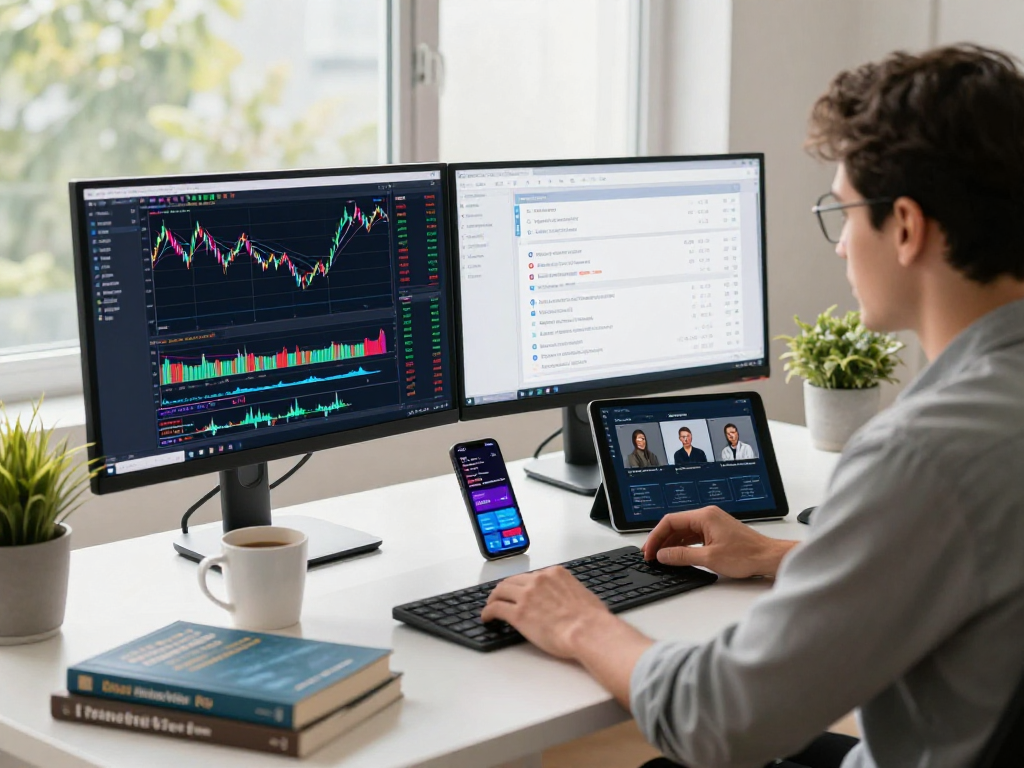
- Cross-Platform Access: TradingView is accessible on multiple devices, including desktops, tablets, and mobile phones, ensuring seamless trading experiences.
How TradingView stands out from competitors
While numerous trading platforms exist, TradingView's integration of social trading features, extensive customization options, and real-time data access sets it apart. Unlike many competitors, TradingView offers a free tier with substantial capabilities, making it appealing to novice traders. Its community aspect fosters collaboration and knowledge sharing, which is often lacking in more traditional trading platforms.
Understanding Chart Analysis with TradingView
Chart analysis is fundamental for traders, and TradingView provides tools that enhance this aspect significantly. The platform's interface allows users to visualize market trends clearly and effectively, positioning them for better decision-making.
Key charting tools available
Some of the key charting tools that TradingView offers include:
- Multiple Chart Types: Traders can choose from line, bar, and candlestick charts to find the most effective representation of price action.
- Technical Indicators: Over 100 indicators are available, including moving averages, RSI, MACD, and Bollinger Bands, which helps traders analyze price movements.
- Drawing Tools: Users can utilize trend lines, Fibonacci retracement, and other graphic tools to identify potential support and resistance levels.
Tips for using multi-timeframe analysis
Multi-timeframe analysis is a technique that involves observing price movements across different time scales to gain a comprehensive view of market trends. Here are a few tips to employ this effectively on TradingView:
- Identify the Trend: Use higher timeframes (daily or weekly) to determine the overall market trend, then switch to lower timeframes (hourly or 15-minute) for entry and exit points.
- Consistency in Timeframes: Ensure that the timeframes you analyze are consistent, as mismatched timeframes can lead to confusion and poor trading decisions.
- Use the Same Indicators: Apply the same indicators across different timeframes for a unified analysis approach, which helps in validating signals.
Integrating indicators for improved decision-making
Combining different technical indicators can provide deeper insights into market behavior. Traders can use tools such as:
- Moving Averages: To smooth out price data and identify trends.
- Volume Indicators: To confirm trends and validate price movements.
- Oscillators: Like the Stochastic or RSI to identify overbought or oversold conditions.
By integrating these indicators within TradingView, traders can create a robust analytical framework that supports better trading decisions.
Trading Alerts: Automating Your Monitoring
One of the standout features of TradingView is its alert system, designed to relieve traders from the constant need to monitor market conditions manually. This automation can significantly enhance trading efficiency.
Setting up price alerts effectively
To set up price alerts on TradingView:
- Select the asset you wish to monitor and open its chart.
- Right-click on the price level where you want to set an alert and select "Add Alert."
- Configure the conditions for the alert, such as price level, time frame, and notification method (email, SMS, app notification).
This allows traders to focus on analyzing conditions rather than watching charts continuously.
Different types of alerts and their applications
TradingView supports various alerts, including:
- Price Alerts: Trigger notifications when an asset reaches a specified price level.
- Technical Alerts: Activate when predefined technical conditions are met, like crossing moving averages.
- Volume Alerts: Get notified when trading volume surpasses a certain threshold.
These alert types enable traders to capture opportunities swiftly without being tied to their screens.
Case studies: Successful traders using alerts
Many successful traders have utilized TradingView alerts to enhance their trading strategies. For instance, a forex trader might set alerts for currency pairs based on technical breakouts combined with economic news releases, allowing them to capitalize on market volatility. Similarly, stock investors often set alerts for significant price movements in stocks they are monitoring, ensuring they make informed decisions without constant vigilance.
Cross-Platform Functionality of TradingView
TradingView's cross-platform functionality ensures that users can access their accounts and trading tools anywhere, anytime, making it incredibly versatile for today’s mobile traders.
Using TradingView on different devices
The platform is available on various devices:
- Desktop: Fully featured applications for Windows and macOS.
- Web: Access via standard browsers without the need for a download.
- Mobile: Apps for both iOS and Android that provide full functionality and alerts on the go.
Benefits of synchronization across platforms
One of the significant benefits of TradingView is the ability to synchronize data and settings across different platforms. For example, a trader can set alerts on their mobile device during the day and then review charts and manage trades on their desktop in the evening, ensuring a seamless transition in their trading workflow.
Optimizing performance in a multi-device environment
To optimize performance across devices, it's recommended to:
- Ensure consistent internet connectivity to receive real-time updates.
- Utilize desktop apps for in-depth analysis due to their superior processing power and screen space.
- Leverage mobile apps for quick, actionable insights while on the move.
By effectively using multi-device access, traders can significantly enhance their trading efficiency and responsiveness.
Frequently Asked Questions about TradingView
As users explore TradingView, they often have questions regarding its functionalities, accessibility, and pricing structure. Below are answers to some frequently asked questions.
How can I get started with TradingView?
To get started with TradingView, sign up for a free account at their website. After registration, you can explore the platform's features and start customizing your charting tools.
Are TradingView's services suitable for beginners?
Yes, TradingView is highly suitable for beginners due to its intuitive interface, extensive educational resources, and community support. New traders can learn from experienced users and access various tutorials and guides.
What are the subscription options available?
TradingView offers several subscription tiers, including Free, Pro, Pro+, and Premium, each providing varying levels of functionality and features tailored to different trader needs. Users can choose a plan that best fits their trading volume and requirements.
How does TradingView support risk management?
TradingView allows users to implement risk management strategies through its alert system, enabling them to react promptly to price movements and set stop-loss and take-profit orders effectively.
Is TradingView compatible with other trading platforms?
While TradingView is primarily a charting and analysis tool, it can be integrated with various brokerage accounts, allowing users to execute trades directly from the TradingView platform.